How To Schedule Online via Mobile
Add the Jet Rhys app icon to your home screen
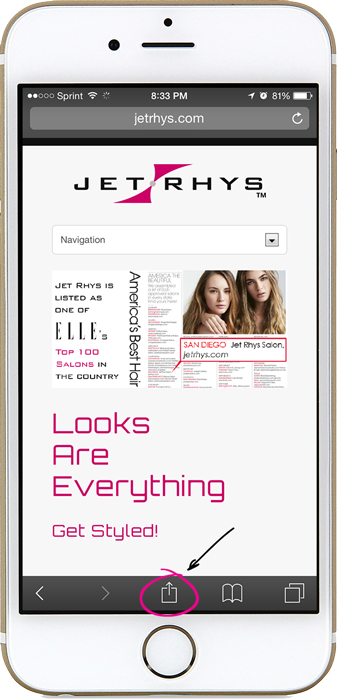
Go to jetrhys.com
Click the icon  to open up more options
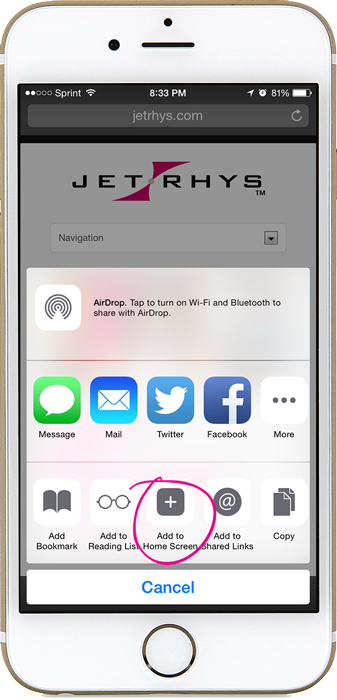
Select “Add to Home Screen”
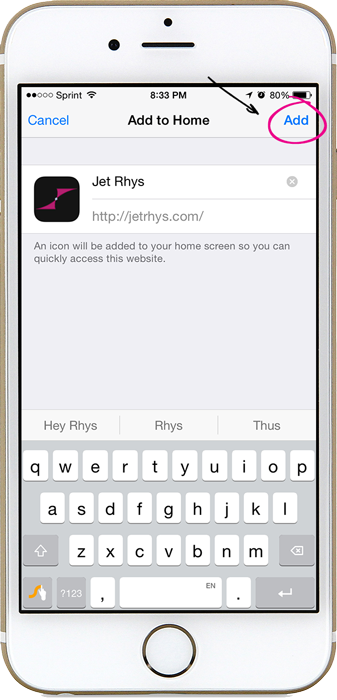
Click “Add”. Now you will have the Jet Rhys app icon on your home screen to go directly to our website!
Schedule online with your mobile device
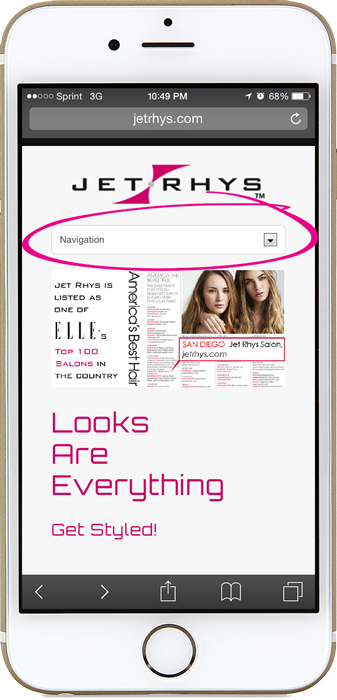
Go to jetrhys.com 
Click the “Navigation” menu
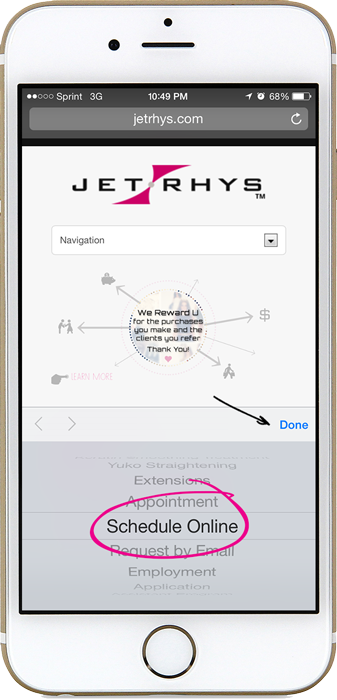
Scroll down to “Schedule Online” and press Done
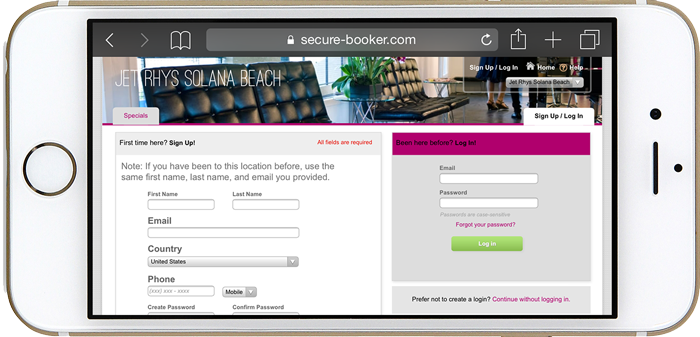
Login or 1st time user Sign Up
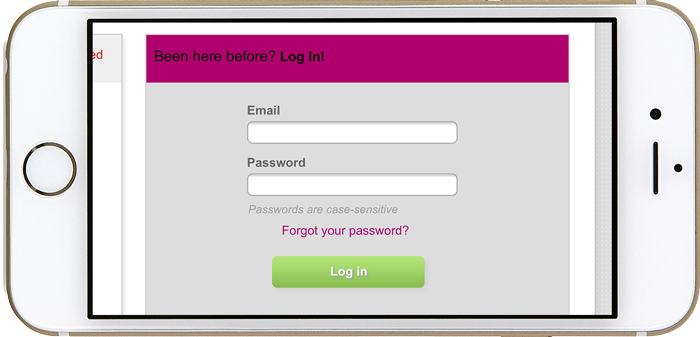
When you click in the text field your screen should zoom in
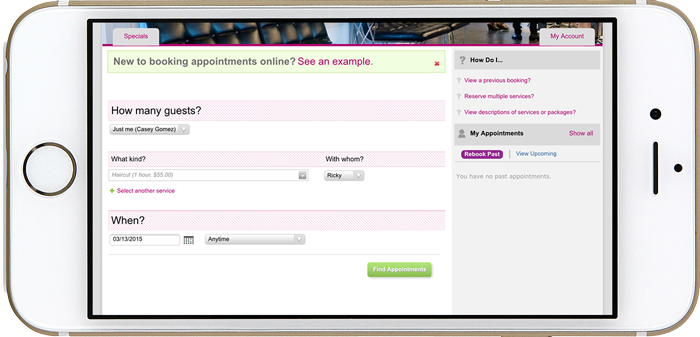
Select the type of appointment you’d like to schedule, your stylist, date and time
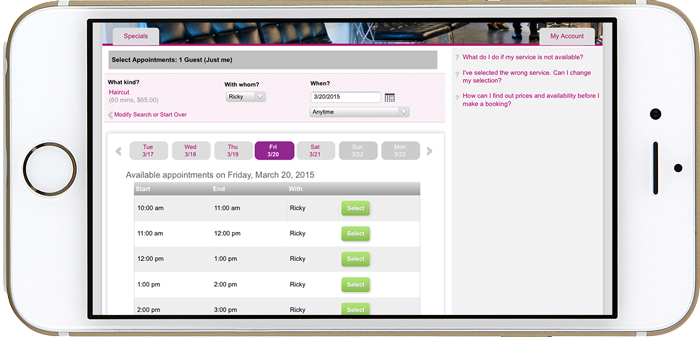
Choose which time works best for you
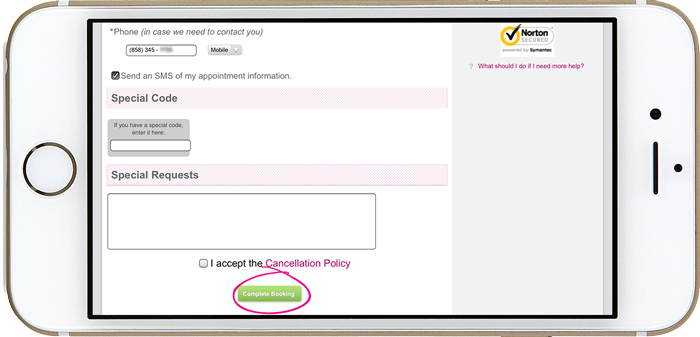
Double check your contact info, accept the cancellation policy and complete the booking!